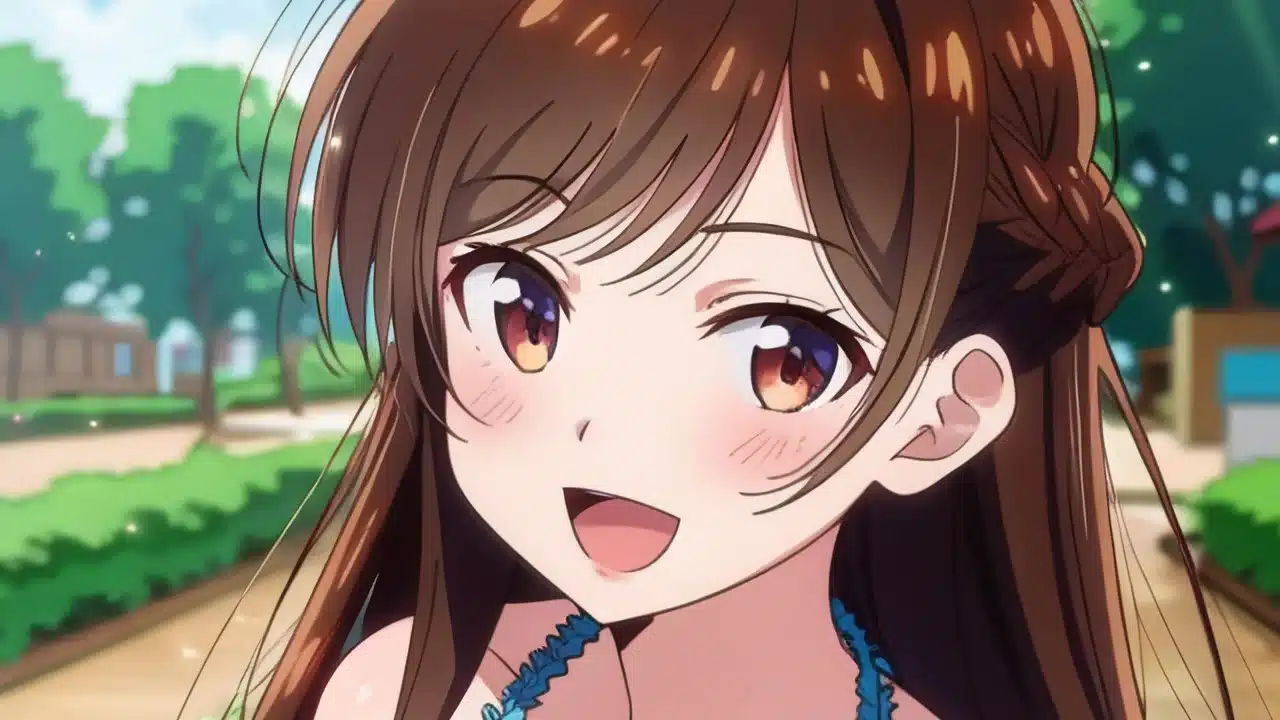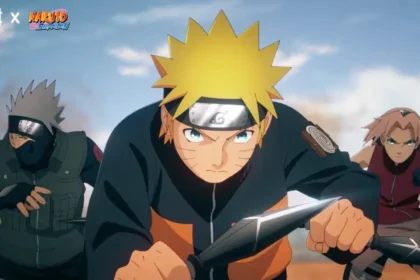
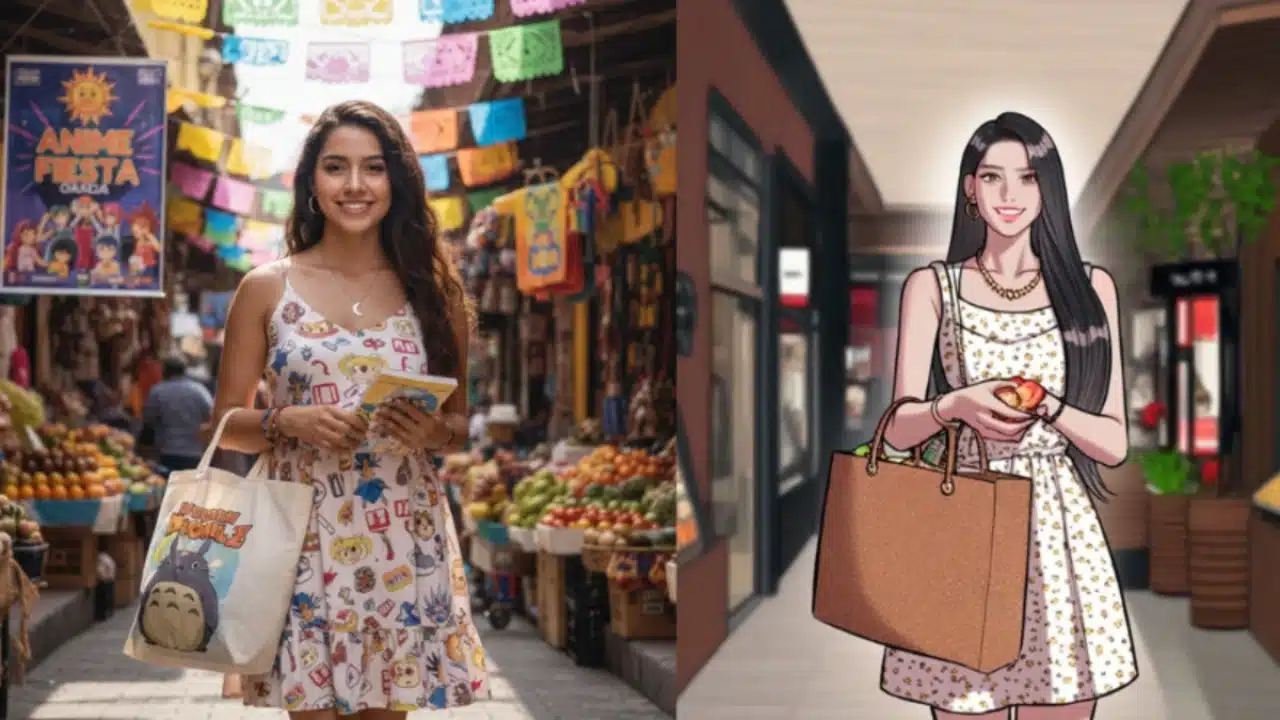
Today, anime fans are constantly looking for new ways to express their creativity and connect with their favorite series. One of the most popular trends is the transformation of real photos into anime-style illustrations using artificial intelligence tools. With a Anime photo converter (Photo to Anime Converter), Users can transform selfies, portraits or everyday images into characters that look like they are taken directly from a manga or anime. This technology not only allows you to experiment with different visual styles, but also provides a fun and accessible way to create original content.
1. What is a tool to convert photos into anime?
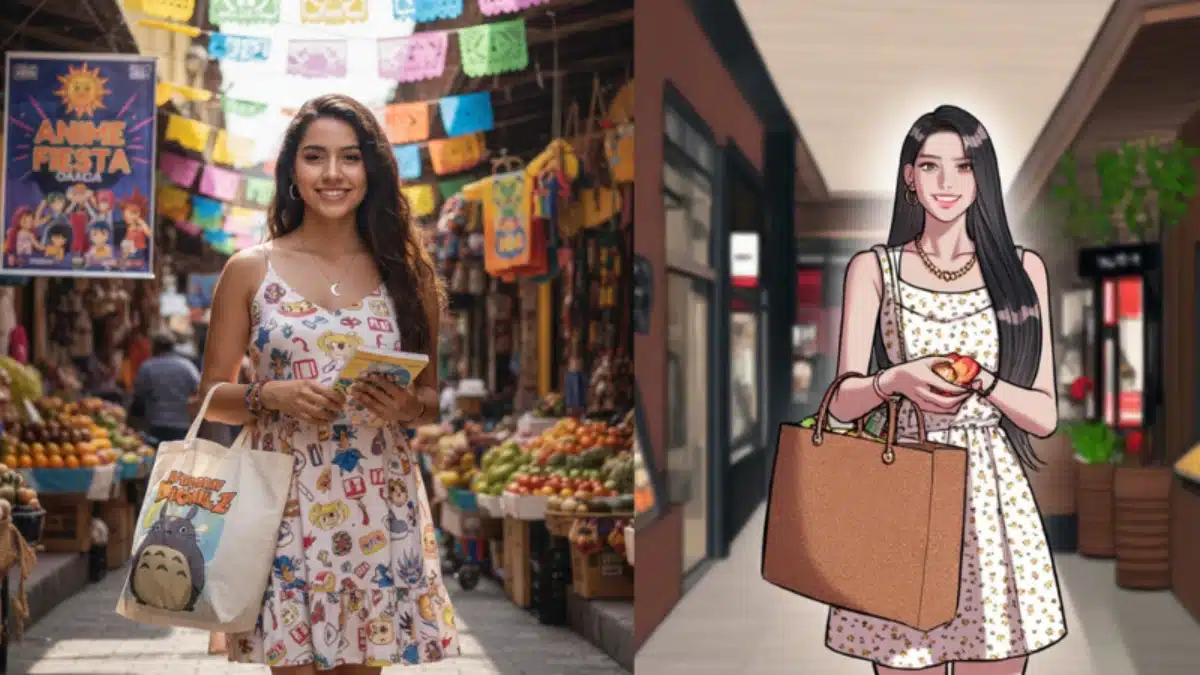
A Photo Converter to Anime It is a software that uses artificial intelligence to analyze the facial features, the expression, the colors and the proportions of a photograph and transform them into an artistic style of the anime. These tools identify features such as eyes, hair, mouth and facial details, recreating them with the typical elements of anime characters: big eyes, exaggerated expressions and vibrant colors.
In addition, some tools allow you to use a Caricature photo online without watermark (d)photo to cartoon online free without watermark) for clean results and experiment with different styles without compromising image quality.
Among the main advantages are:
- Fast photo transformation in seconds.
- Ability to customize features and styles, such as hair color, eye size, and background details.
- Consistent and high quality results without needing experience in drawing or digital design.
Thanks to these tools, fans can create animated versions of themselves, friends or even favorite characters, generating creative content for social networks or personal projects.
2. How to turn your photo into anime with BeautyPlus
BeautyPlus is one of the most recognized apps to transform photos into anime style. Its interface is easy to use and allows for surprising results. Here is how to use it:
- Open the BeautyPlus Online website: you don’t need to download anything; It works directly in the browser.
- Upload the photo: Choose a clear image with good lighting where the complete face is seen.
- Apply Anime Filter: BeautyPlus offers several styles that turn your photo into an anime character. Adjust the details according to your preference.
- Save or share: When you are satisfied with the result, download the image or share it on social networks.
3. The best AI tools to turn photos into anime
Currently there are several platforms that allow you to transform photos into anime art in a simple and effective way. Some of the most prominent include:
- beautyplus: Featured for its ease of use and realistic anime filters.
- CANVA: With its Photo-To-Anime feature, users can convert photos into anime illustrations and customize colors and styles.
- Photo: Online platform offering anime and cartoon effects, with multiple color and style adjustments for professional results.
Each tool has particular features, but they all share the advantage of allowing users to create anime art quickly and accessible, without the need for advanced design knowledge.
4. Anime style ideas that fans will love
Transforming a photo into anime is just the first step. Users can experiment with different styles for unique and creative results:
- Classic Anime: Expressive features, big eyes and bright colors.
- Chibi: Small and adorable versions of characters, with exaggerated proportions.
- Modern or digital style: More realistic, with soft shadows and lighting details similar to recent series.
- Cinematic inspiration: Studio Ghibli or Makoto Shinkai movie style, with detailed backgrounds and artistic textures.
These options allow fans not only to see themselves in the anime world, but also to explore different creative interpretations of their favorite characters or their own photos.
5. Conclusion
Artificial intelligence tools have opened a world of possibilities for anime fans. With apps like BeautyPlus and Canva, anyone can Convert photos to anime In a fast, fun and accessible way. The customization of features and colors allows users to experiment with unlimited styles, expressions and details, promoting creativity and self-expression.
By using a photo-to-anime converter or an online caricature photo without a watermark, fans can explore their creativity without risk, transform their presence on social networks and generate original content that reflects their passion for anime. These tools make the experience of immersing yourself in the world of anime more accessible and fun, combining digital art and personal creativity in a simple way.