

Can you imagine playing such iconic and demanding titles on your PC, like The Witcher 3, , GTA V or Fallout 4 anywhere and without relying on an internet connection? We are not talking about streaming, but about native emulation. For years, it was the golden dream of mobile gaming. Today, that dream is a tangible reality. Thanks to the arrival of a revolutionary application called GameHub And to the enormous power of a hardware designed for the impossible, we have put the definitive combination to the test: the new Redmagic 10s Pro and an arsenal of PC games downloaded directly from Steam.
The result? Forget everything you thought you knew about gaming on a smartphone.
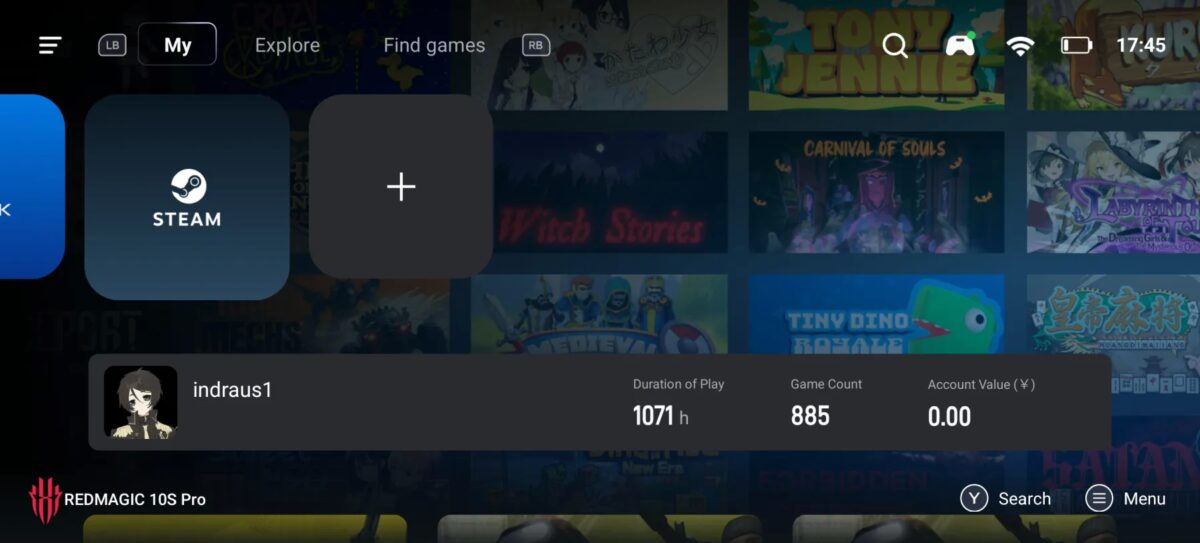
Redmagic 10s Pro: Raw power without optimizing
For this fire test, we established clear rules in order to measure the pure and hard performance of the device, as would be used by any user without advanced knowledge:
- No manual optimization: All graphics settings for the games were left in the default options (“Minimum”, “Medium”, “High”), without touching individual parameters such as shadows or textures.
- Internal cooling exclusively: No type of external cooling base or mobile fan was used. The system ICE X Del Redmagic was solely responsible for managing the heat.
- “Increased” performance: The “increased” profile of the RedMagic Game Center was used, a high-performance mode that activates with few clicks, but does not reach the end of the “devil” mode (which we reserve for later).
- Standard Resolution: All games were executed at a resolution of 1280×720, directly from the default GameHub settings, looking for a realistic and comparable scenario to that of portable consoles.
- No hibernating apps: During these tests, the cell phone remained connected to the Internet, with all active threads, network applications in the background and receiving notifications. The only optimization made was the automatic provided by the Game Center of the Redmagic 10s Pro.
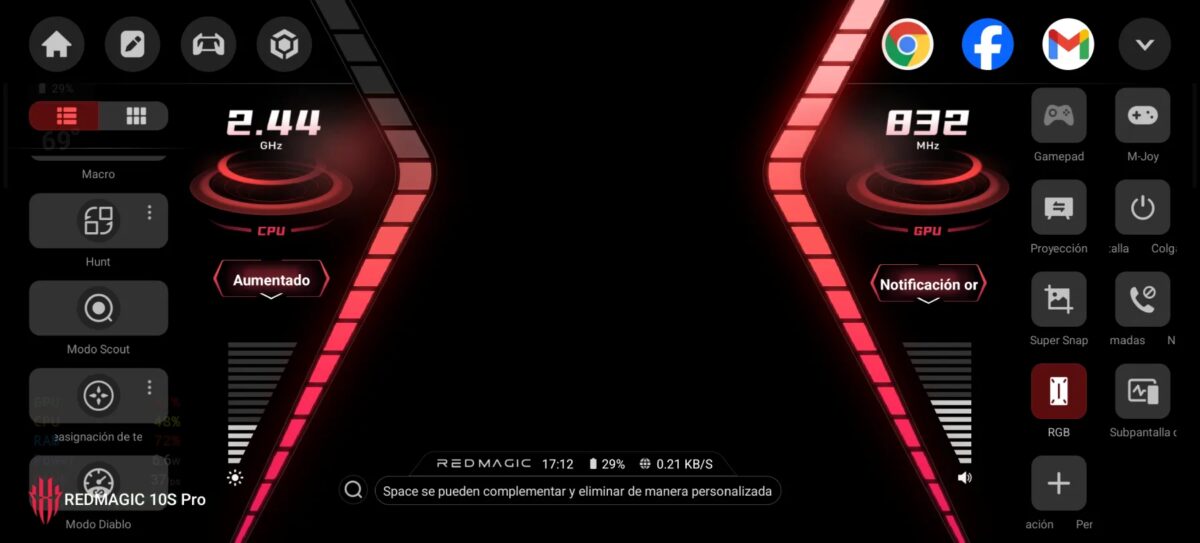
The game verdict: Numbers speak
We connect an external control and launch ourselves into action. These are the results, game by game. Important note: Image quality is reduced due to internal website optimization processes
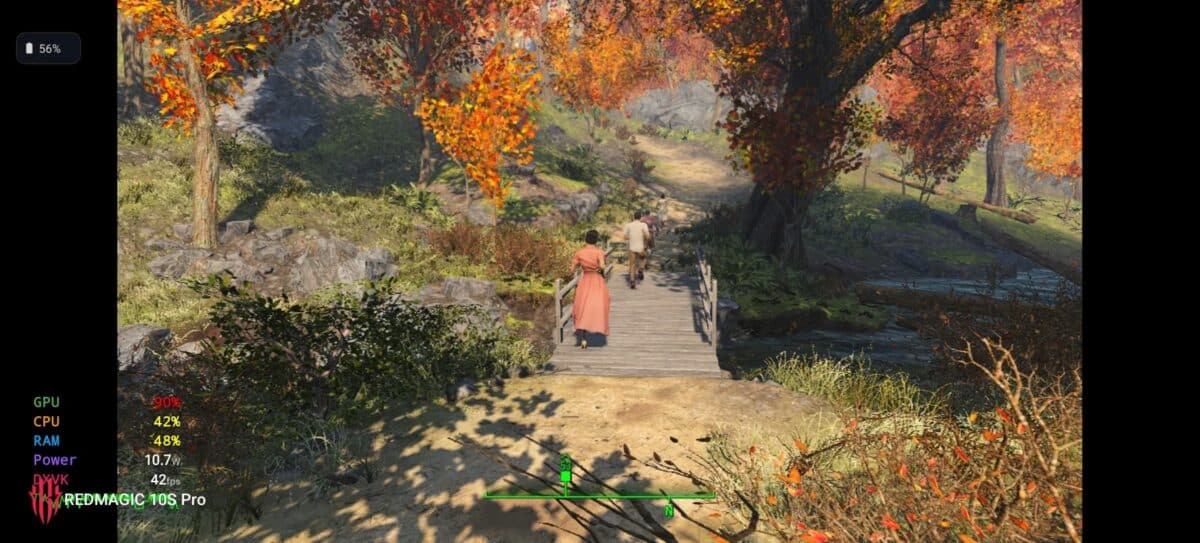
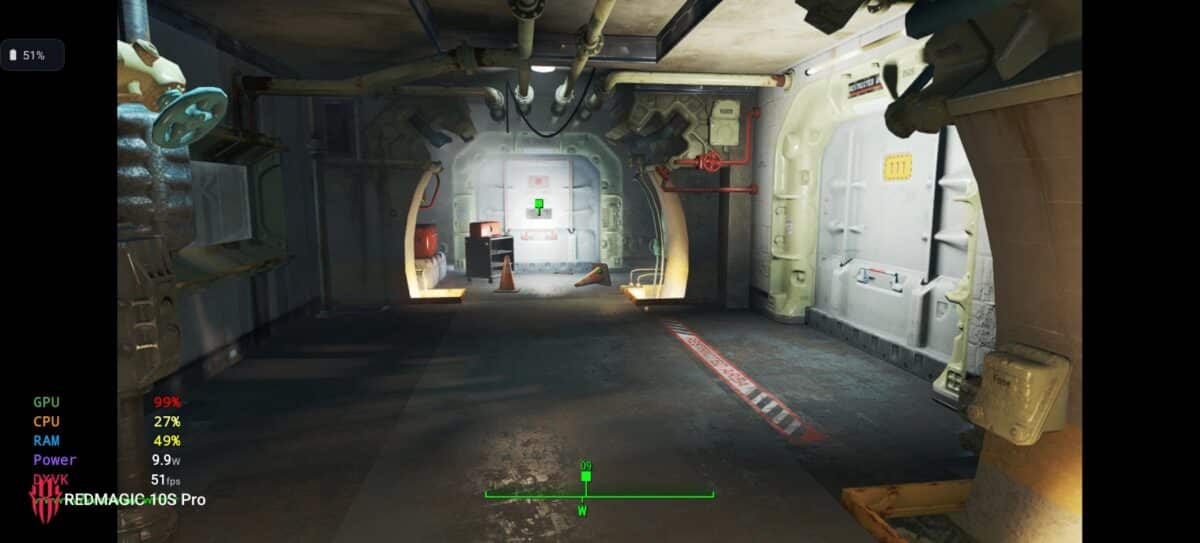
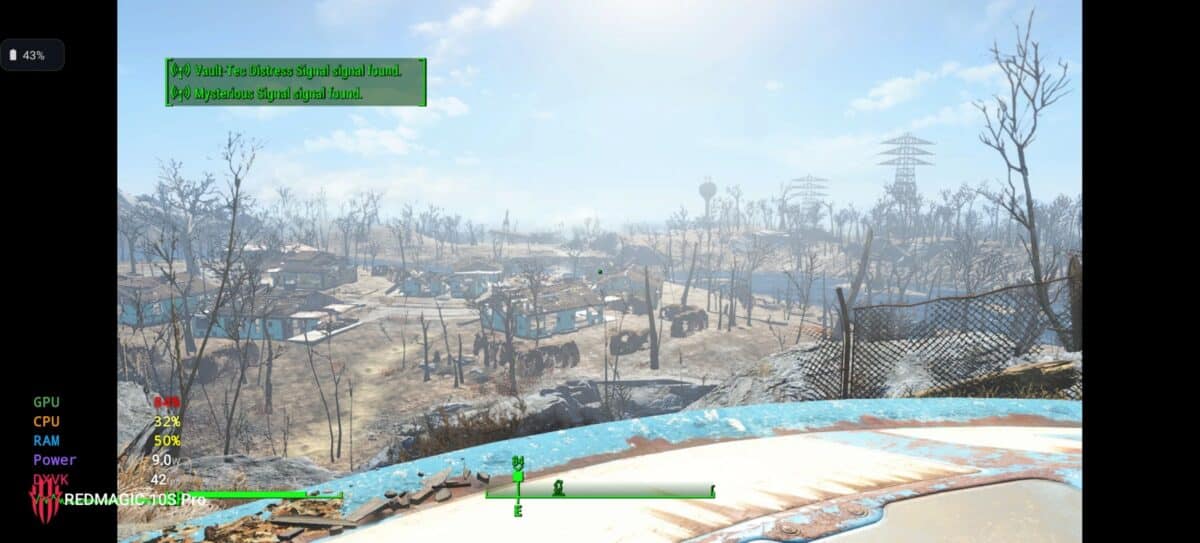
Fallout 4: A walk through the wilderness in high quality
Start Fallout 4 on a mobile and watch the post-apocalyptic world of the Commonwealth rendering with the “high” setting is, in itself, a show. We are not talking about a corridor game; It is a massive and dense open world that the Redmagic handled with impressive ease.
- Graphic quality: High (default)
- Performance: mean of 45 fps, with minimums of 37 fps and peaks of 51 fps Indoors. An incredibly smooth experience.
Grand Theft Auto V: Los Santos in the palm of your hand
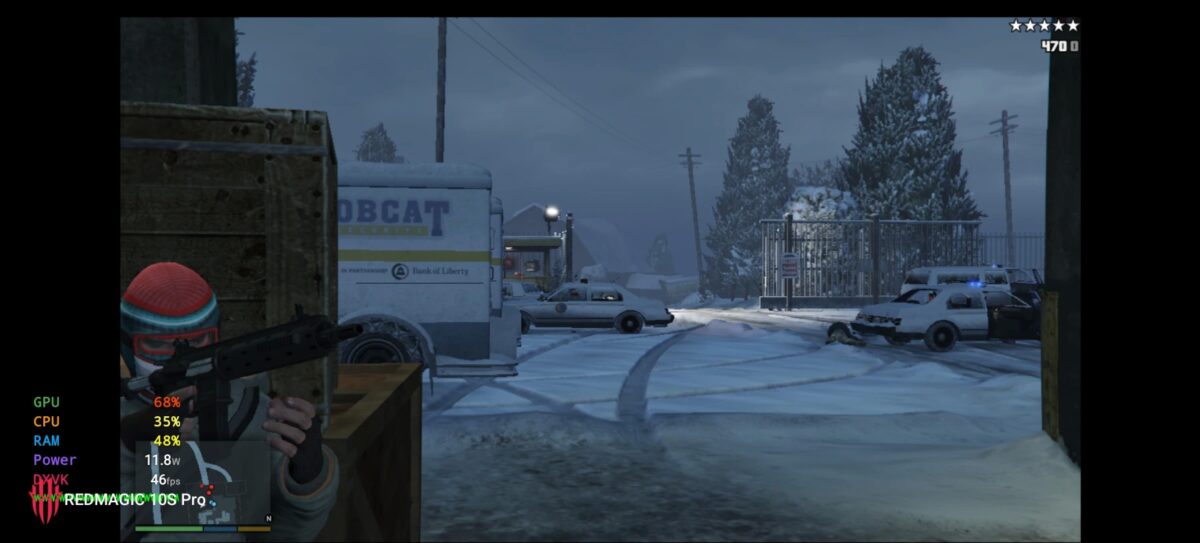
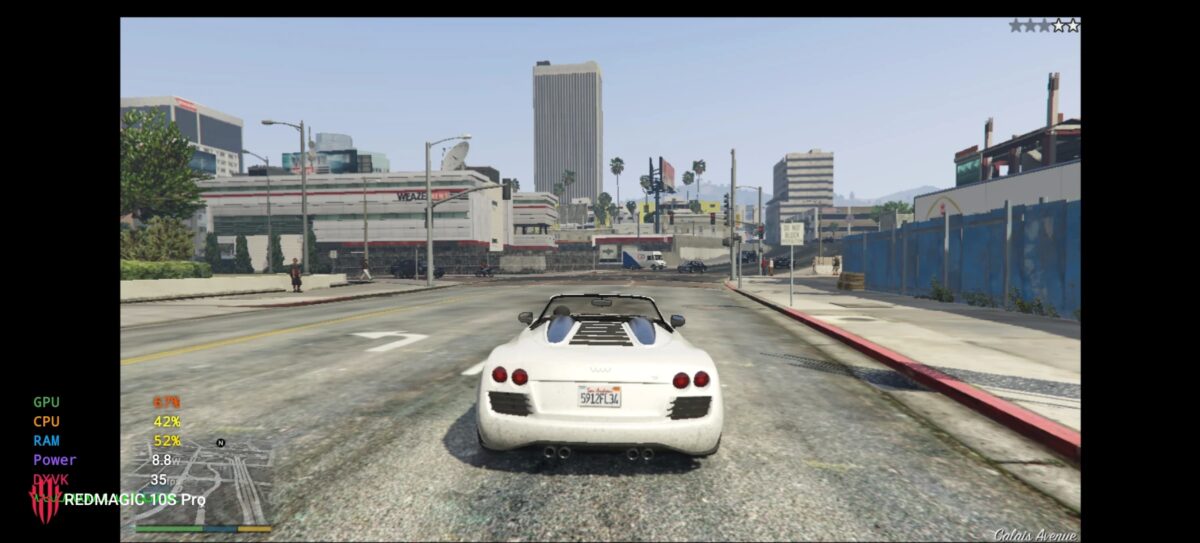
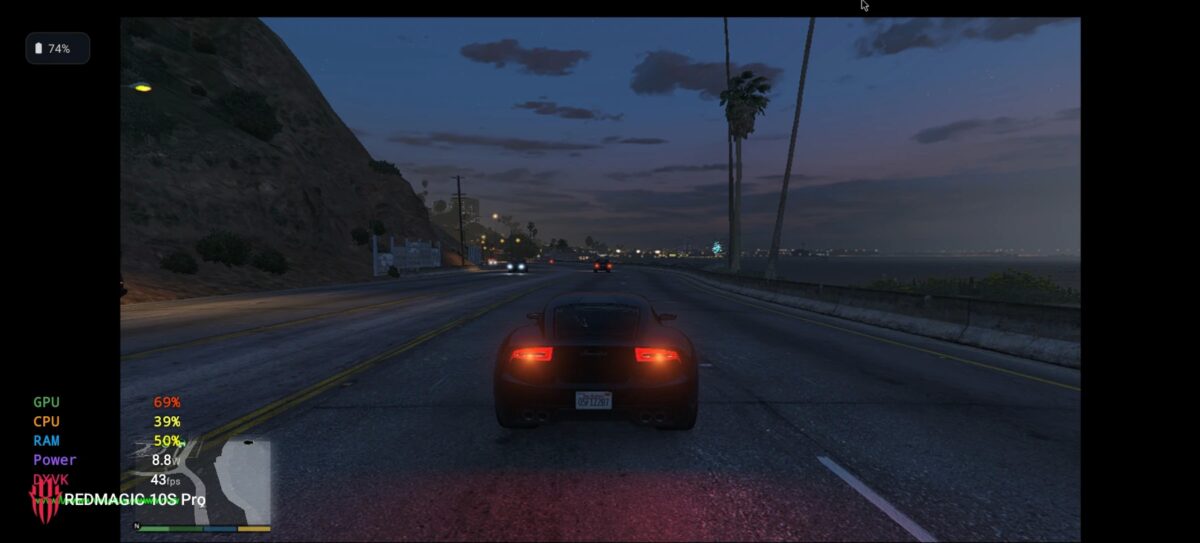
Grand Theft Auto V is the undisputed king of the open worlds and an industry standard. Although, you are already years old, you have received multiple updates of graphic improvements and in “high” quality, the result was amazing. The transition between driving, getting out of the car and starting a shooting was impeccable, maintaining a solid gameplay that completely preserves the chaotic fun that Rockstar designed.
- Graphic quality: High (default)
- Performance: mean of 40 fps, with minimums of 34 fps and maximums of 47 fps. Driving at full speed and participating in shootings felt impeccable.
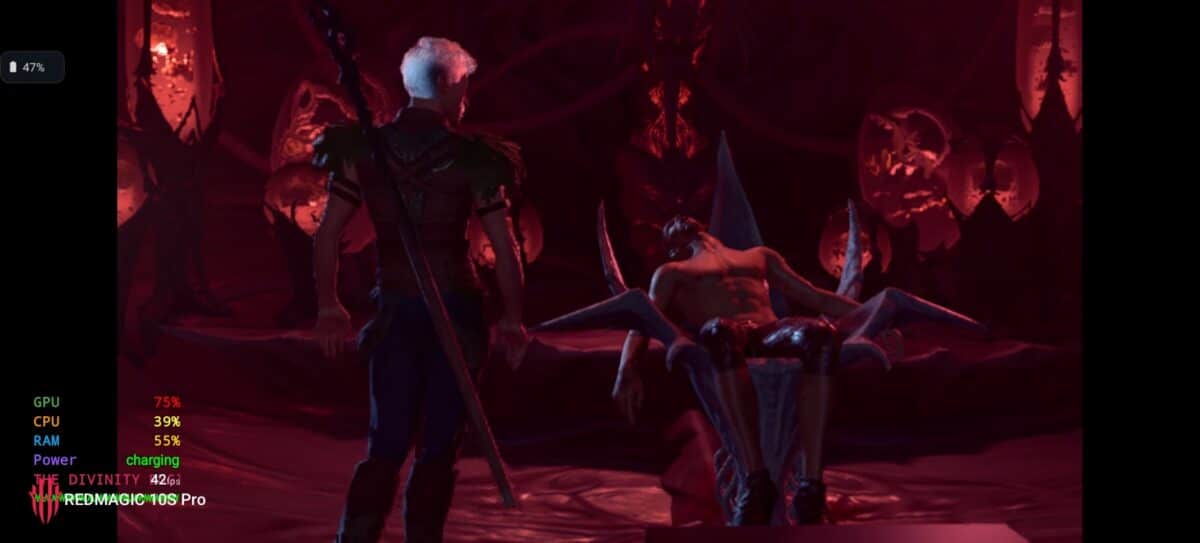
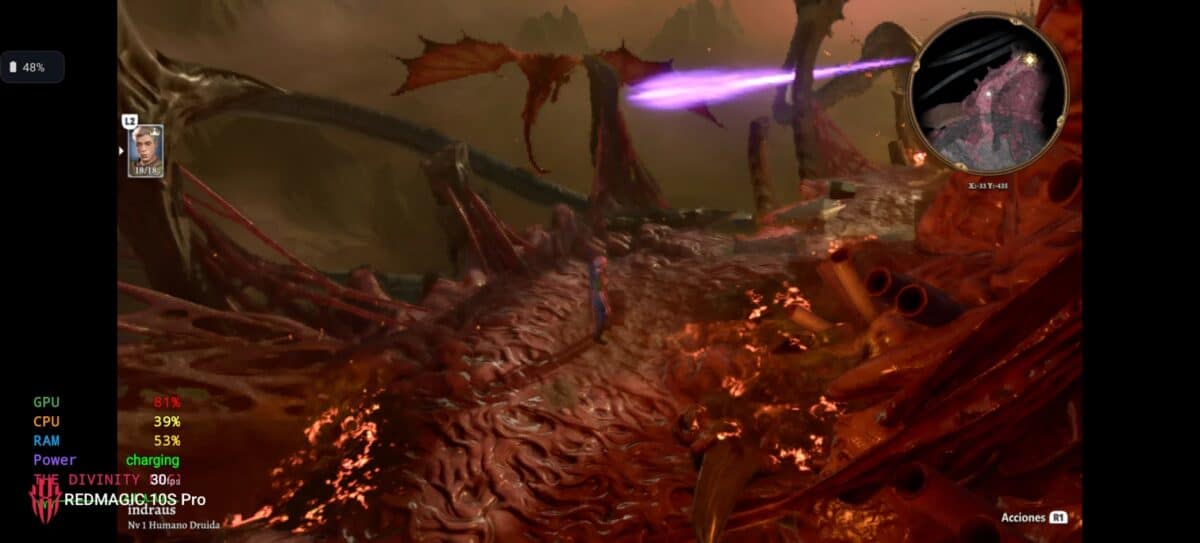
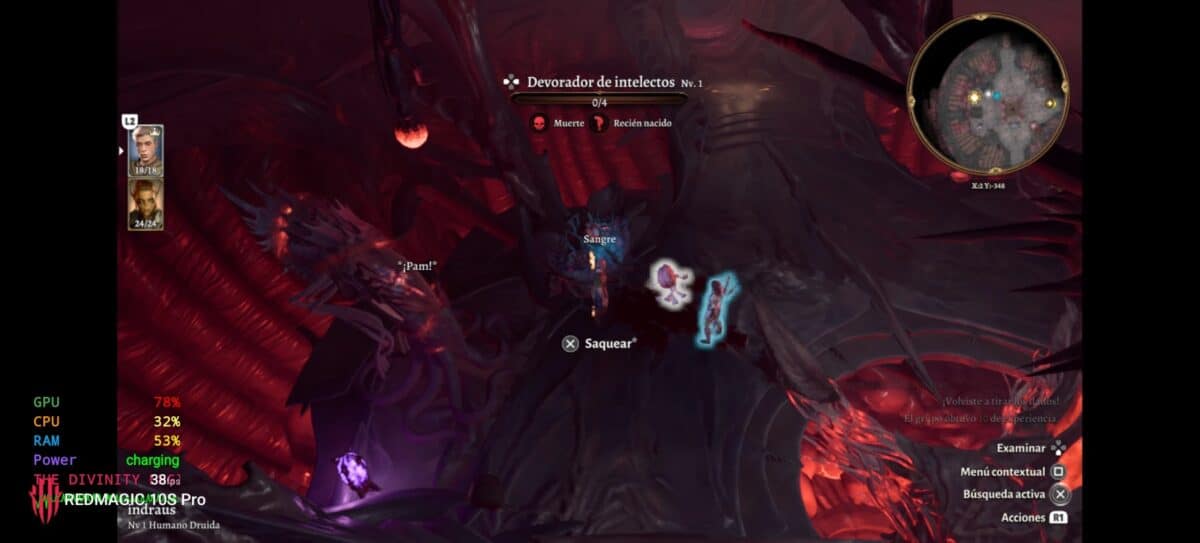
Baldurs Gate 3: the milestone we didn’t think possible
The Game of the Year 2023, a famous title for its enormous load. This was the real challenge. The simple fact that the game was executed was a victory, but that it was playable, it exceeded all our expectations. Managing inventory and, above all, participating in their turn-based tactical combat with multiple characters and on-screen spell effects, was a solid experience
- Graphic quality: Minimum (default)
- Performance: mean of 30 fps, with minimums of 24 fps and maximums of 38 fps. Achieving a stable average of 30 fps in this giant is simply a monumental achievement for mobile computing.
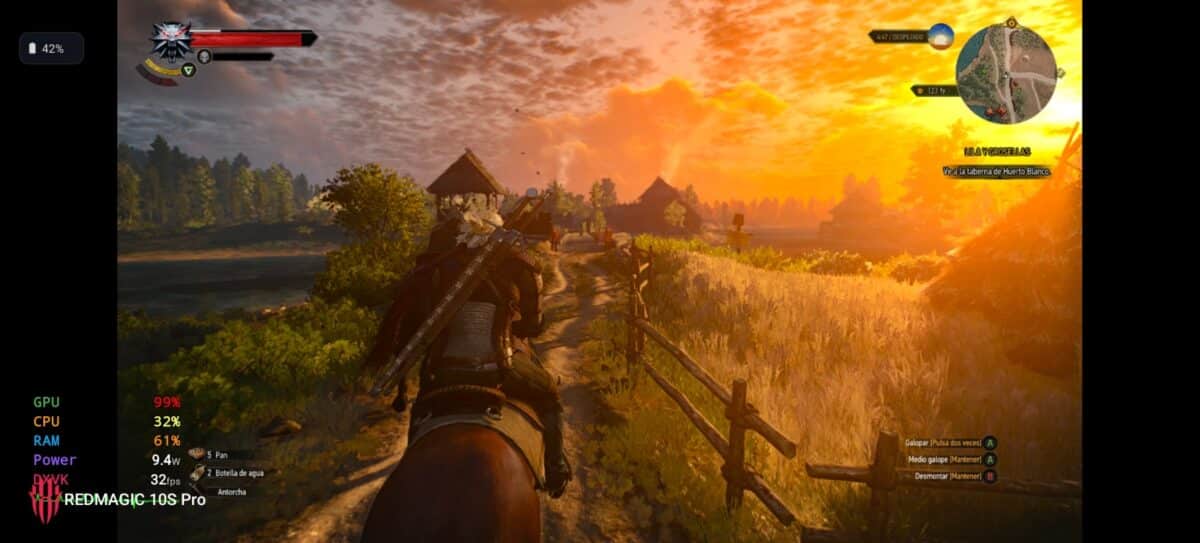
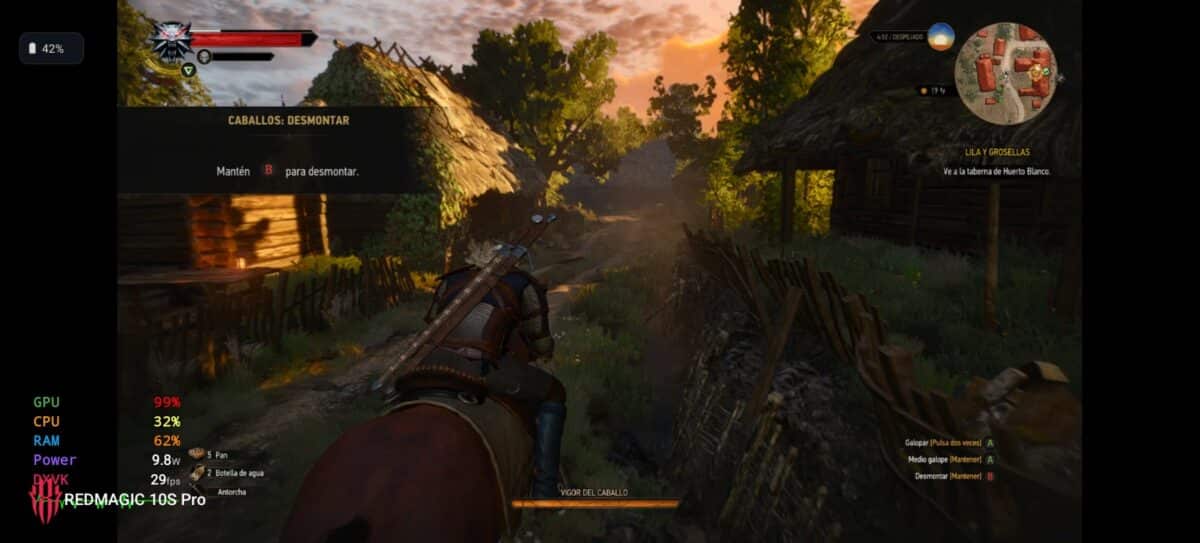
The Witcher 3: Wild Hunt: Geralt de Rivia, more portable than ever
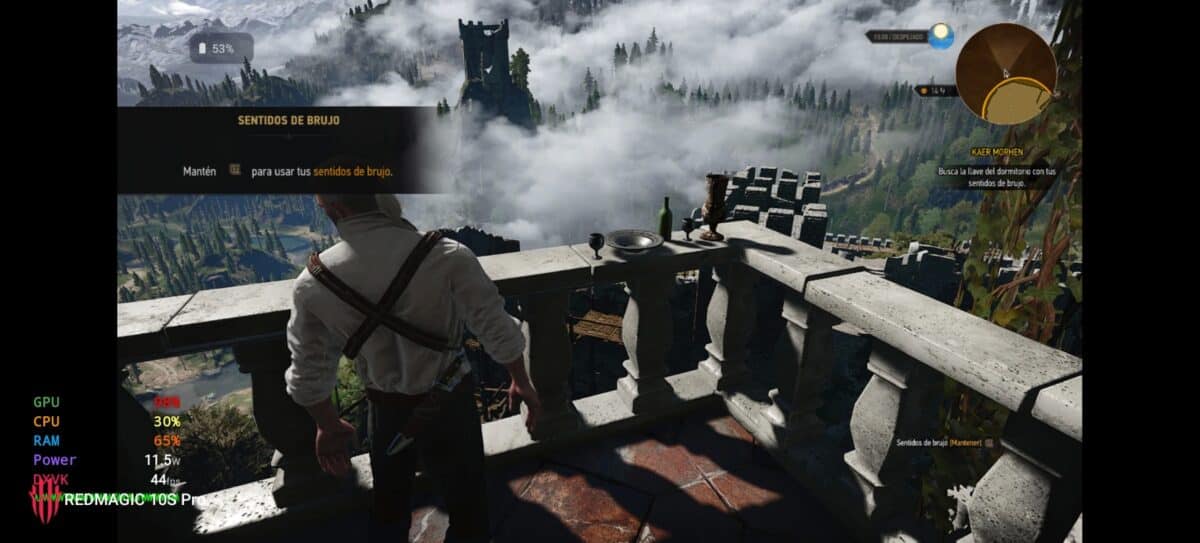
The melancholic beauty of The Witcher 3 Take a new life on the vibrant AMOLED display of the RedMagic. The combat, which demands precision and good reflexes, greatly benefited from a consistent frame rate, allowing you to dodge and counterattack without problems.
- Graphic quality: Medium (default)
- Performance: mean of 31 fps, with minimums of 26 fps and impressive peaks of 59 fps in closed spaces. Proving that the device has plenty of power when the scenario load is reduced.
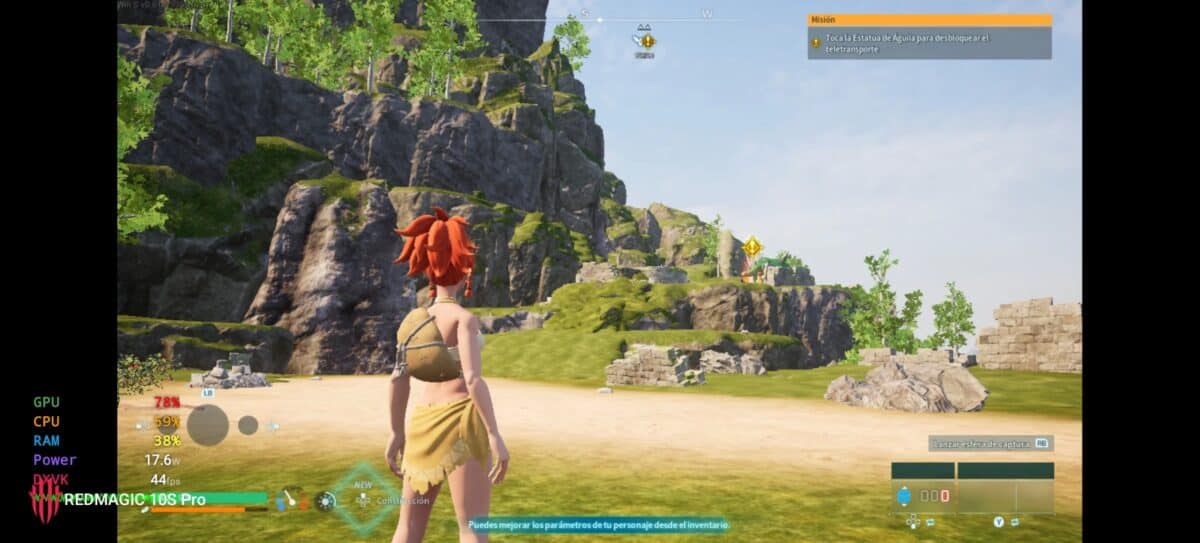
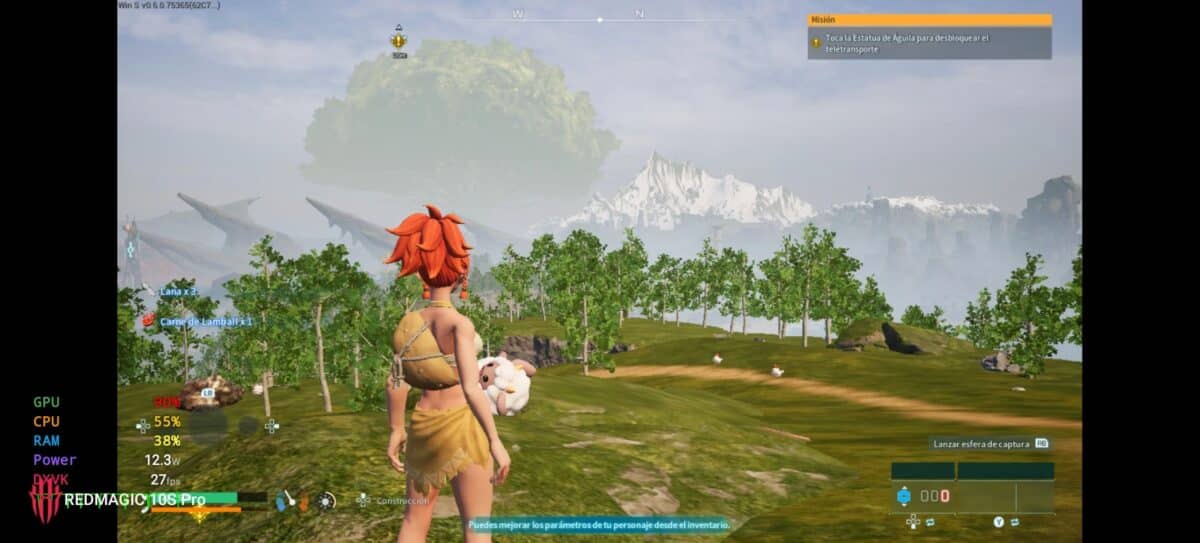
Palworld: the somewhat controversial phenomenon, fully playable
Capturing Pals on the go has never been easier. The Redmagic 10s Pro He kept the kind of admirable way, offering a frustration-free gaming experience when exploring, building, or fighting.
- Graphic quality: Minimum (default)
- Performance: mean of 30 fps, with minimums of 27 fps and maximums of 45 fps. Perfectly stable to enjoy the full experience.

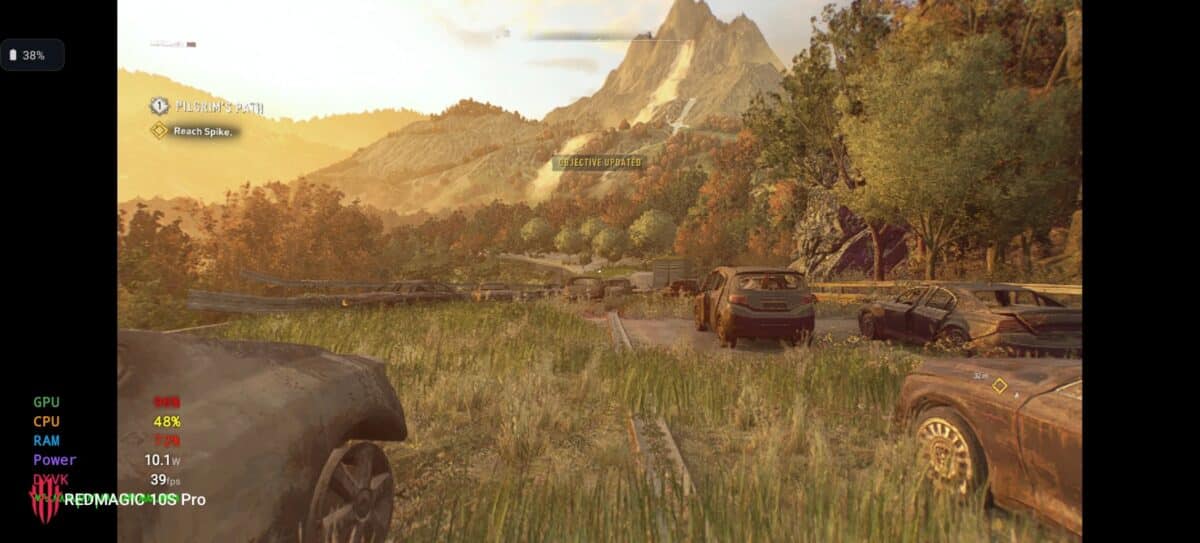
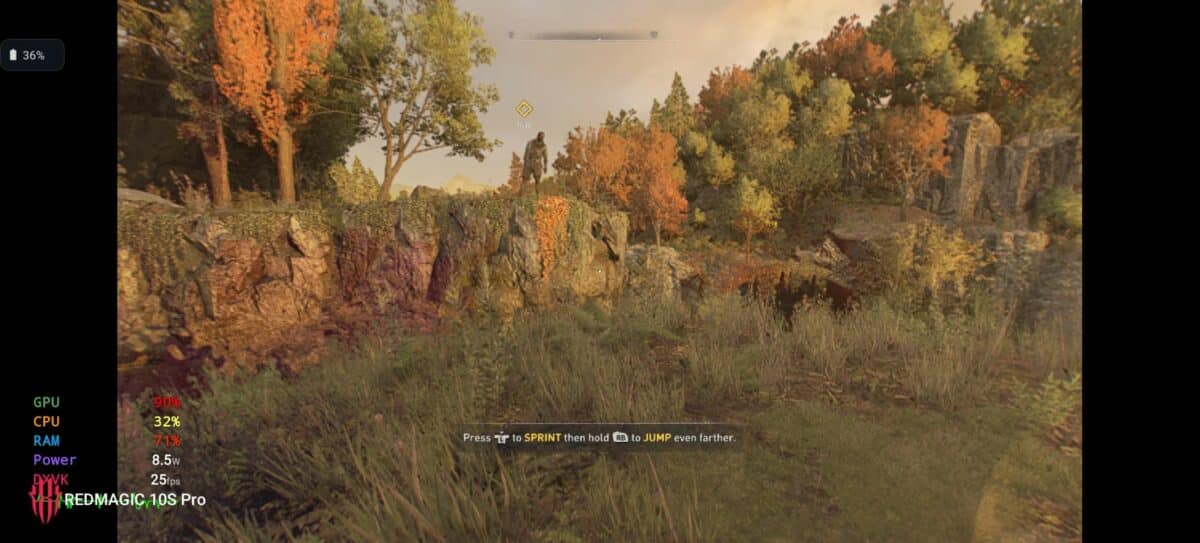
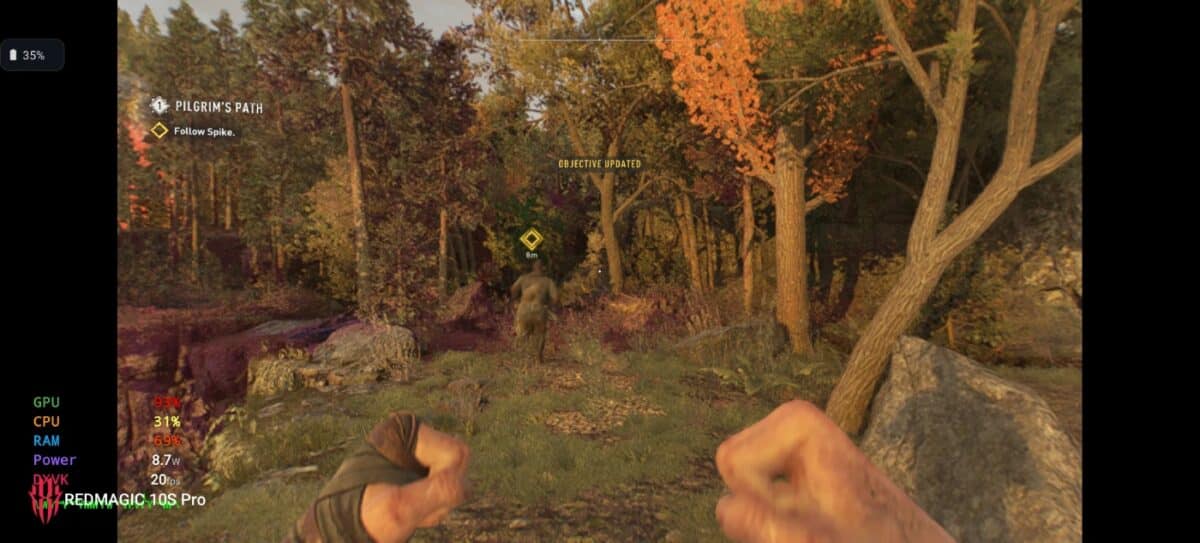
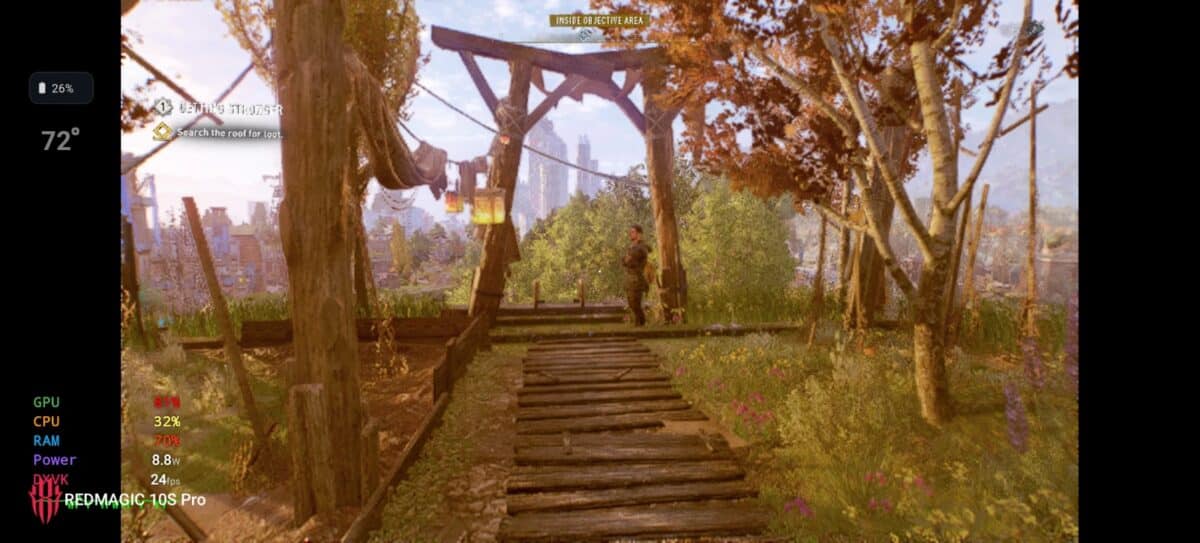
Dying Light 2: Finding the hardware limit
Dying Light 2, with its demanding graphics engine and its frantic parkour was a tough opponent. While the experience wasn’t ideal for a long game, the simple fact that the RedMagic could load and process this monster without blocking itself is a testament to its incredible brute power.
- Graphic quality: Minimum (default)
- Performance: mean of 25 fps, with minimums of 18 fps and maximums of 39 fps. Although not ideal for playing, it shows that the device can run it, marking the current border of PC emulation on Android.
The Ultimate Test: 4 Hours of Playless Games
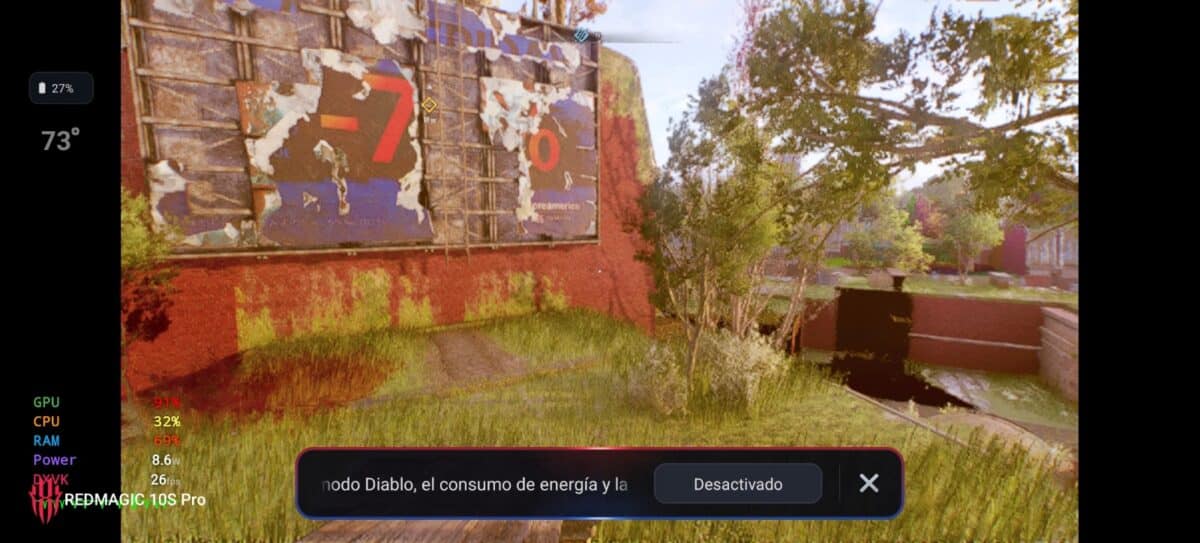
This is where the magic of the Redmagic 10s Pro became apparent. After testing each game individually, we run them one after another in a marathon of more than 4 hours. The average temperature of the device reached the 60°C, with a maximum peak of 74°C By activating the “Devil” mode in Dying Light 2.
The result? surprisingly, Performance did not decline at any time. FPS values remained stable from the first hour to the fourth. This irrefutably demonstrates the effectiveness of the ICE X cooling system. There is no Thermal Throttling. The performance you have at minute one is the same as you will have hours later.
We must mention that we try to play many other games such as Cyberpunk 2077, Bioshock Infinity and Monster Hunter Wilds, but we come across a wall, not power but development. We must consider that the GameHub application is in very early stages of development and is not yet fully optimized to run in conjunction with the Snapdragon 8 Elite Leading Version. Reason why many games both “light” and “heavy” may not run or open correctly.
Final Verdict: The beginning of a new era next to the Redmagic 10s Pro
The data speaks for themselves. The RedMagic 10s Pro is not a phone that “can” run PC games. It is a device that executes them with a consistency and power that rivals dedicated portable consoles. The fact that a title like Baldurs Gate 3 Be playable at 30 fps stable is a milestone that redefines what we expect from a smartphone.

And we must underline a crucial endpoint: These tests were carried out with the intention of stressing the Redmagic 10s Pro to the maximum, without looking for optimizations. With a custom graphics settings, lowering specific parameters like shadows and setting the internal resolution in GameHub, it is possible to drastically increase the FPS and reduce the temperatures.
What we have tested today is the base performance, the starting point. And that starting point is higher than we ever imagined. The era of the pocket PC gaming is not a future promise; With the RedMagic 10s Pro, it’s happening right now.

REDMAGIC 10s Pro. Rompe la barrera del Gaming
¿Te imaginas jugar títulos tan icónicos y exigentes de tu PC, como The Witcher 3, GTA V o Fallout 4 en cualquier lugar y sin depender de una conexión a internet? El REDMAGIC 10s Pro lo hace posible
Ver Precio y Comprar